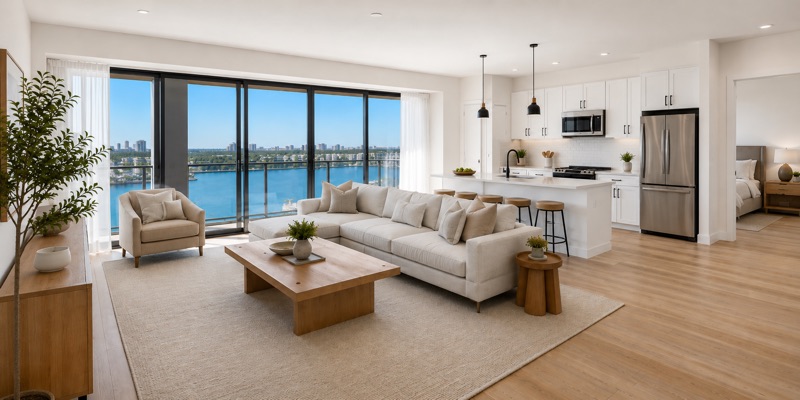
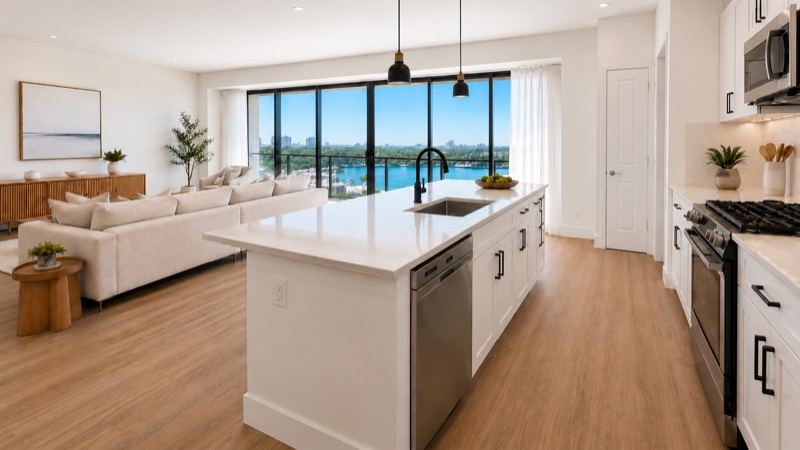
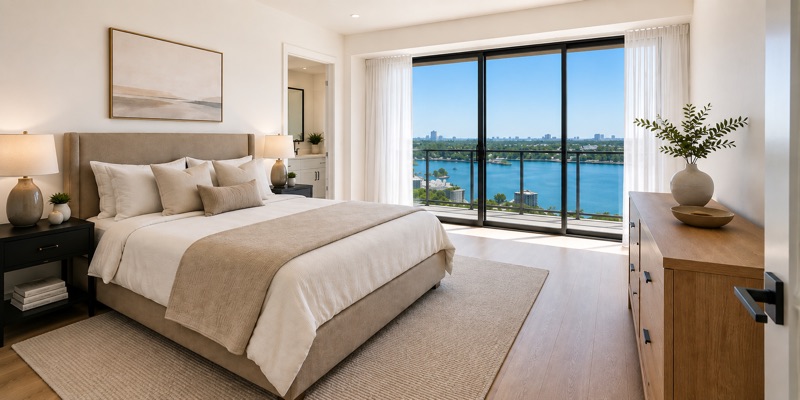
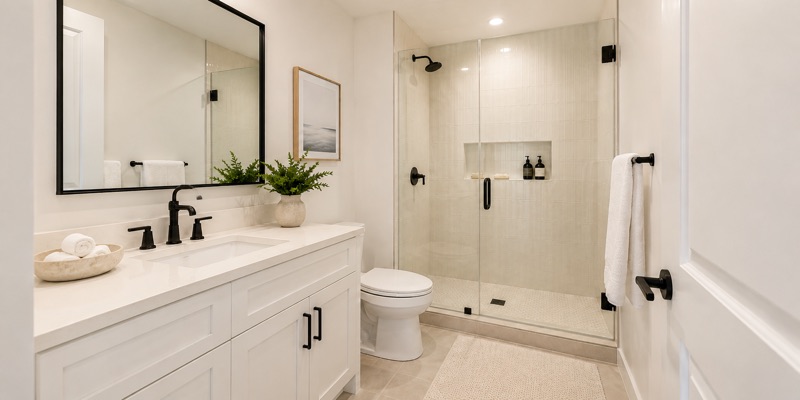
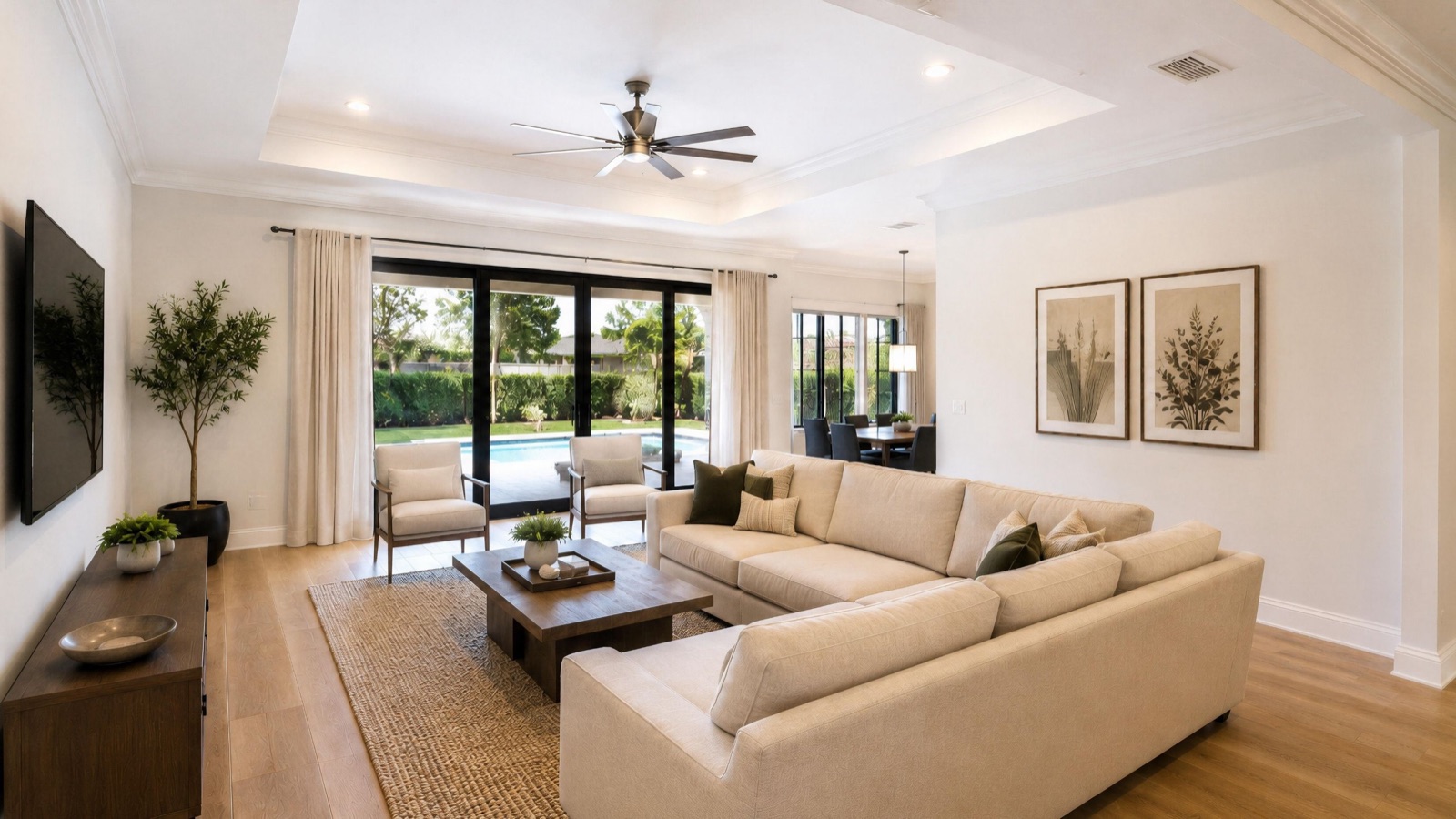
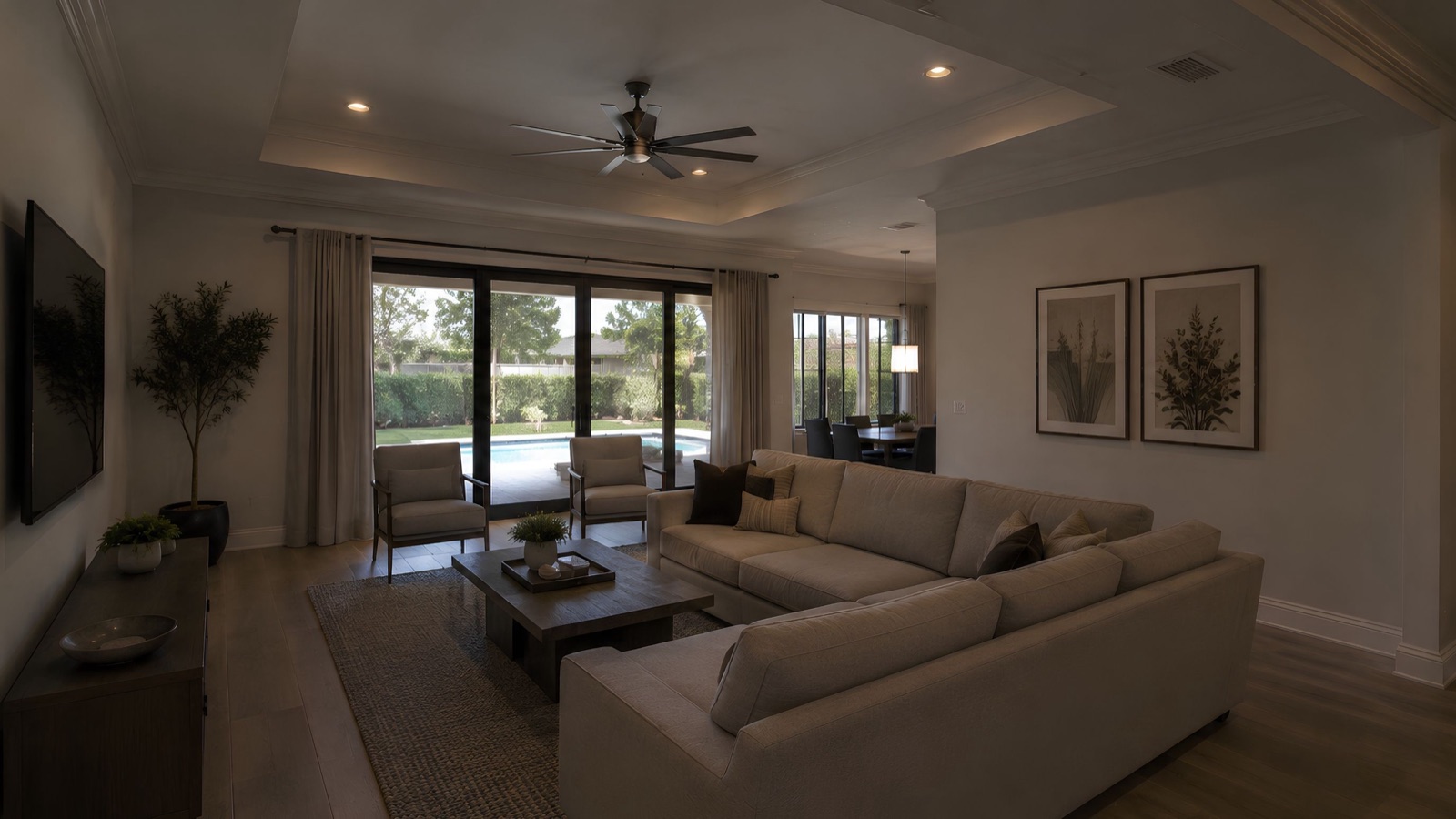
Is this filmed at the property?
No. TourSmith creates walkthrough-style videos from your existing listing photos, using
AI-generated camera movement and hands-on editing. No on-site filming is required.
Each selected space becomes a short shot of four to six seconds, and the shots are edited
into a sequence. It is not a measured 3D tour or a verified continuous route through the
property, so it will not show the exact layout.
What do I receive?
Listing Walkthrough delivers one file: an unbranded landscape (16:9) video of roughly 30 to
60 seconds, as a Full HD MP4, with one round of changes. Listing + Social delivers three
files from the same edit: the unbranded landscape video, a branded landscape version and a
branded vertical (9:16) version, with a closing screen carrying your logo, name and contact
details.
The files are yours to upload anywhere you publish, including your own YouTube channel.
TourSmith does not post to your channels on your behalf.
What counts as a space, and how many are included?
A space is any part of the property that gets its own moment in the video. That includes rooms,
but also the exterior, the entryway, a hallway, a balcony, a garden, a pool and other amenities.
Each one runs roughly four to six seconds, so eight to ten spaces produce a video of 40 to 60
seconds.
Standard pricing covers up to 10, amenities included, which keeps the pace comfortable rather than rushed. Unusually
large properties, listings that need more spaces, and portfolio or brokerage-wide work are quoted
separately. Mention it in the form and I will come back with a price.
What photos do you need?
Original, high-resolution files are best. You can send a listing link to start, and I will
confirm which originals are needed. Include the spaces you want featured, up to 10, and any
branding details for the social package. For the free preview, two or three spaces are
enough.
Photos downloaded from a listing site are compressed for the web: fine as stills, but
noticeably soft once a camera moves across them. If you are working to a listing-goes-live
deadline, tell me the date and I will say straight away whether I can make it.
Can I use it on my MLS?
The Listing Walkthrough package includes an unbranded landscape file, with no logo, headshot,
phone number or brokerage name. Rules differ between MLSs and brokerages, so check yours for
AI-generated video, virtual tours and any required disclosures before publishing. If your
board has particular requirements, tell me and I will cut to them.
Do you change the property?
The aim is to represent the property shown in your photographs. Lighting and color are
corrected where it helps, and every AI-generated shot is reviewed for visible distortions and
unintended changes. Shots that do not hold up are reworked or left out.